Accounting Automation
Turn expense activity into accounting-ready data
Capture receipts, coding, and business context as expenses happen. Emburse Spend keeps expense details connected, speeds up reconciliation, and syncs approved expense data into your accounting workflow.
Reconcile card spend faster
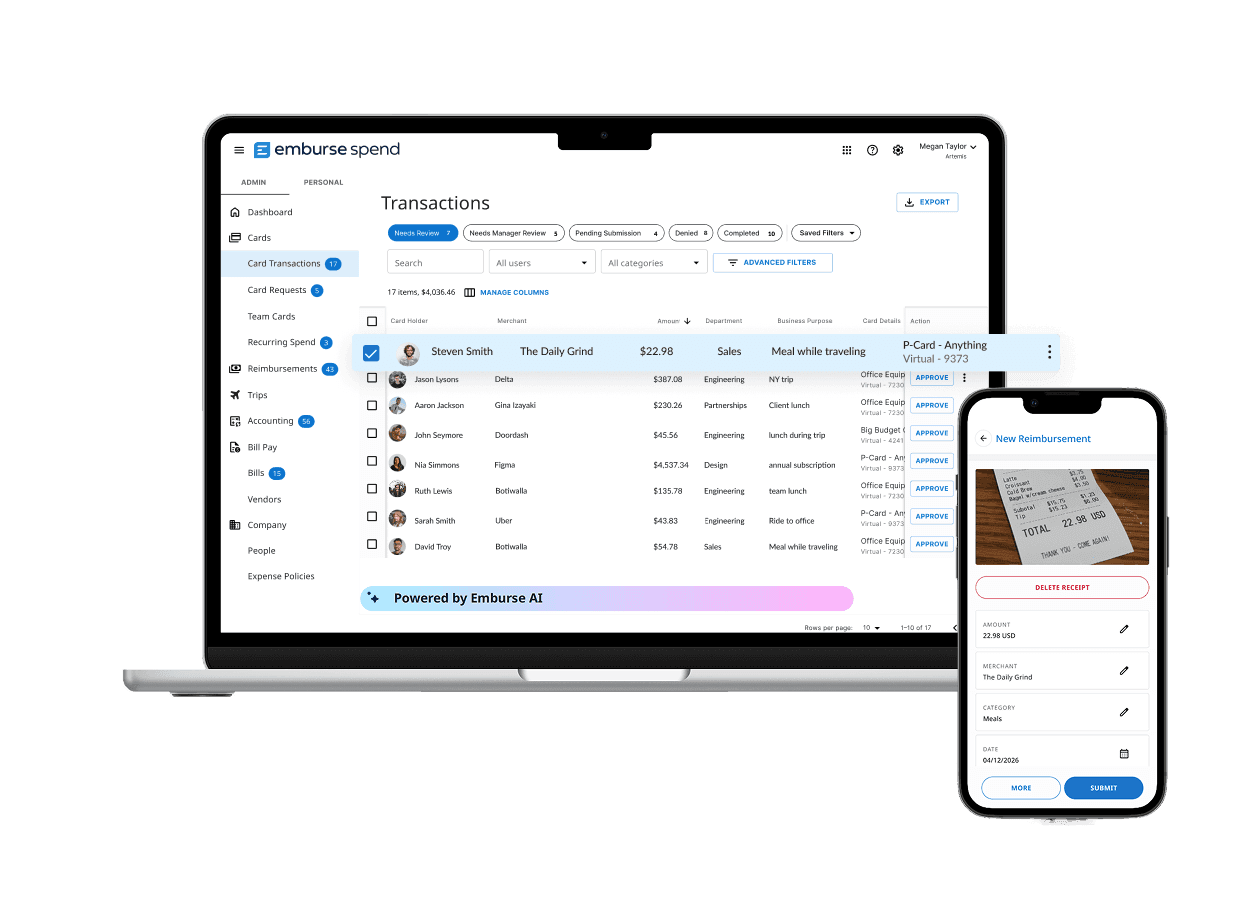
Card transactions, receipts, coding, and approvals stay connected in one place. Finance can quickly see what’s ready to reconcile, what needs attention, and what’s still outstanding.
Includes
- Automatic receipt-to-transaction matching
- Missing receipt reminders
- Visibility into connected card transactions
- Approval history
Capture the right accounting details from the start
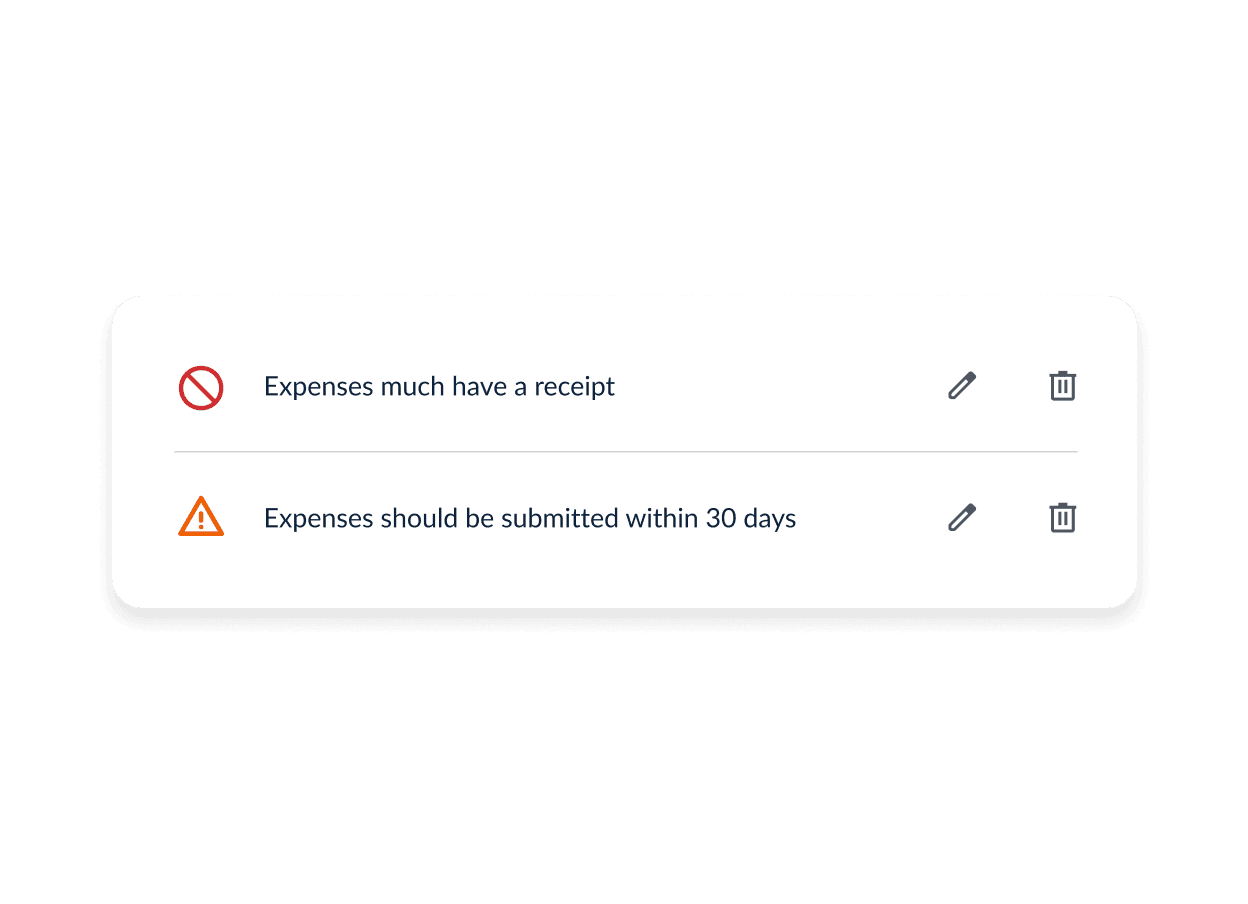
Require employees to select the right category, project, department, location, job, or cost center as they complete an expense. Show only the fields relevant to each employee to make submissions faster and improve coding accuracy.
Includes
- Chart-of-accounts mapping
- Custom team and expense fields
- Required expense details
Move accounting-ready expenses into your books
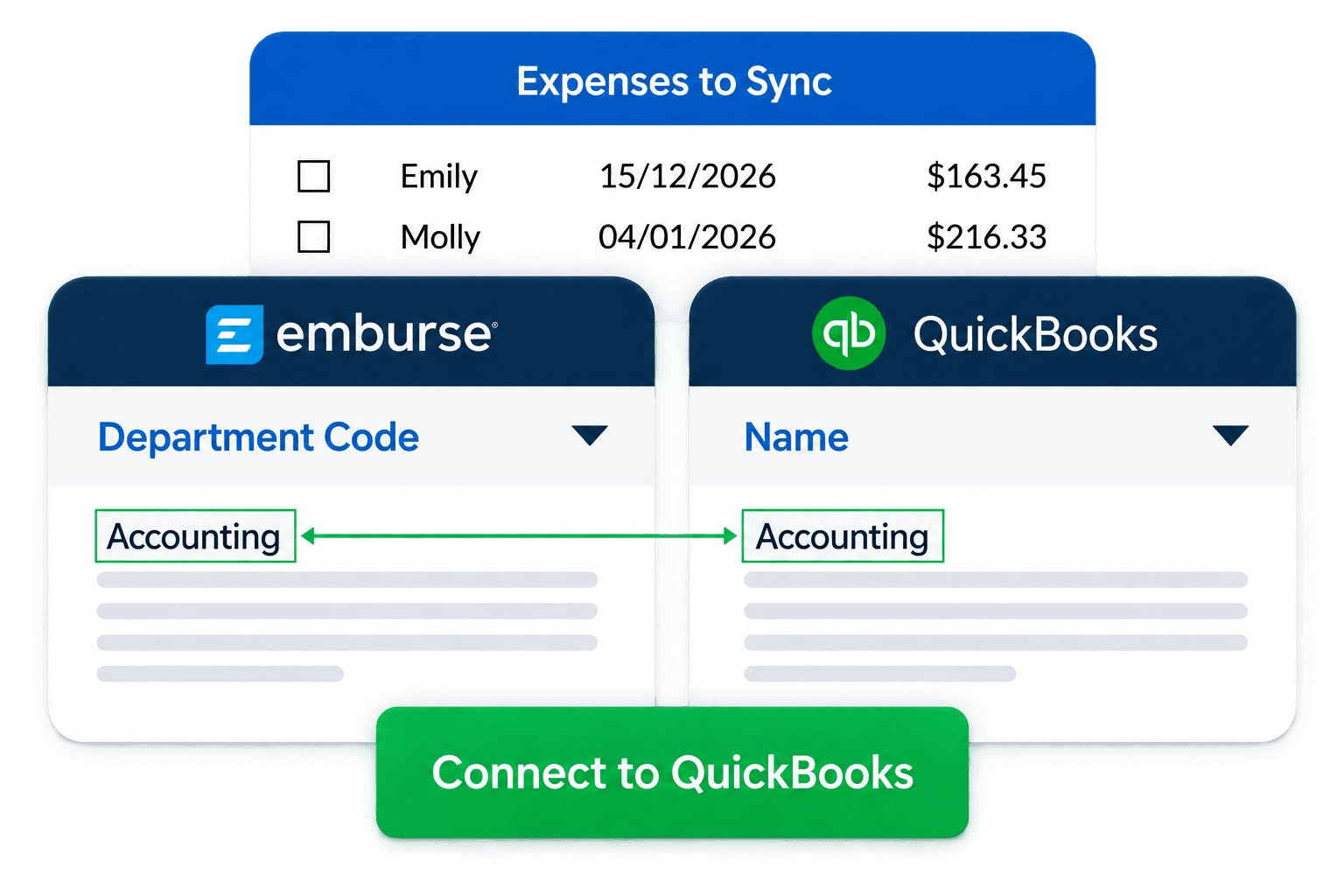
Sync completed expense data into your accounting workflow through a native integration or configurable export.
Includes
- Native accounting integrations
- Configurable export templates
- Custom field mapping

Connect Emburse Spend directly to your ERP system
Don’t see your system? Use configurable exports for other accounting and ERP systems.