Reimbursements
Pay employees back without slowing finance down
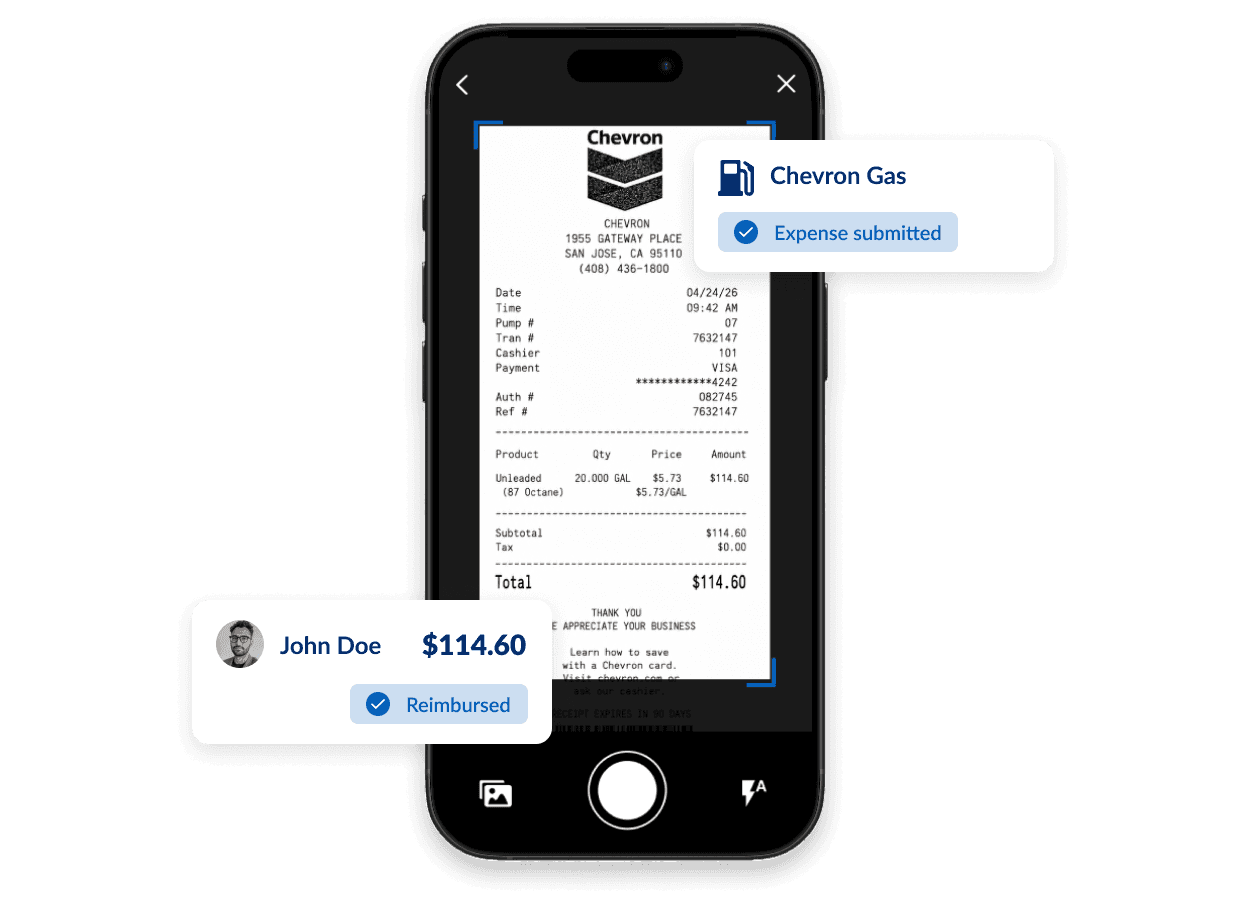
Employees submit out-of-pocket expenses as they happen. Once approved, Emburse Spend initiates reimbursement directly to the employee’s bank account and keeps finance informed throughout the process.
ACH reimbursement requires approved business verification and connected company and employee bank accounts.

Reimburse employees faster
Reimburse employees as soon as an expense receives final approval—without waiting for an entire expense report, payroll cycle, or manual check run.
Includes
- Direct ACH reimbursement
- Individual expense approvals
- Configurable payout schedules
- Reimbursement status tracking
Reduce corrections and reimbursement delays
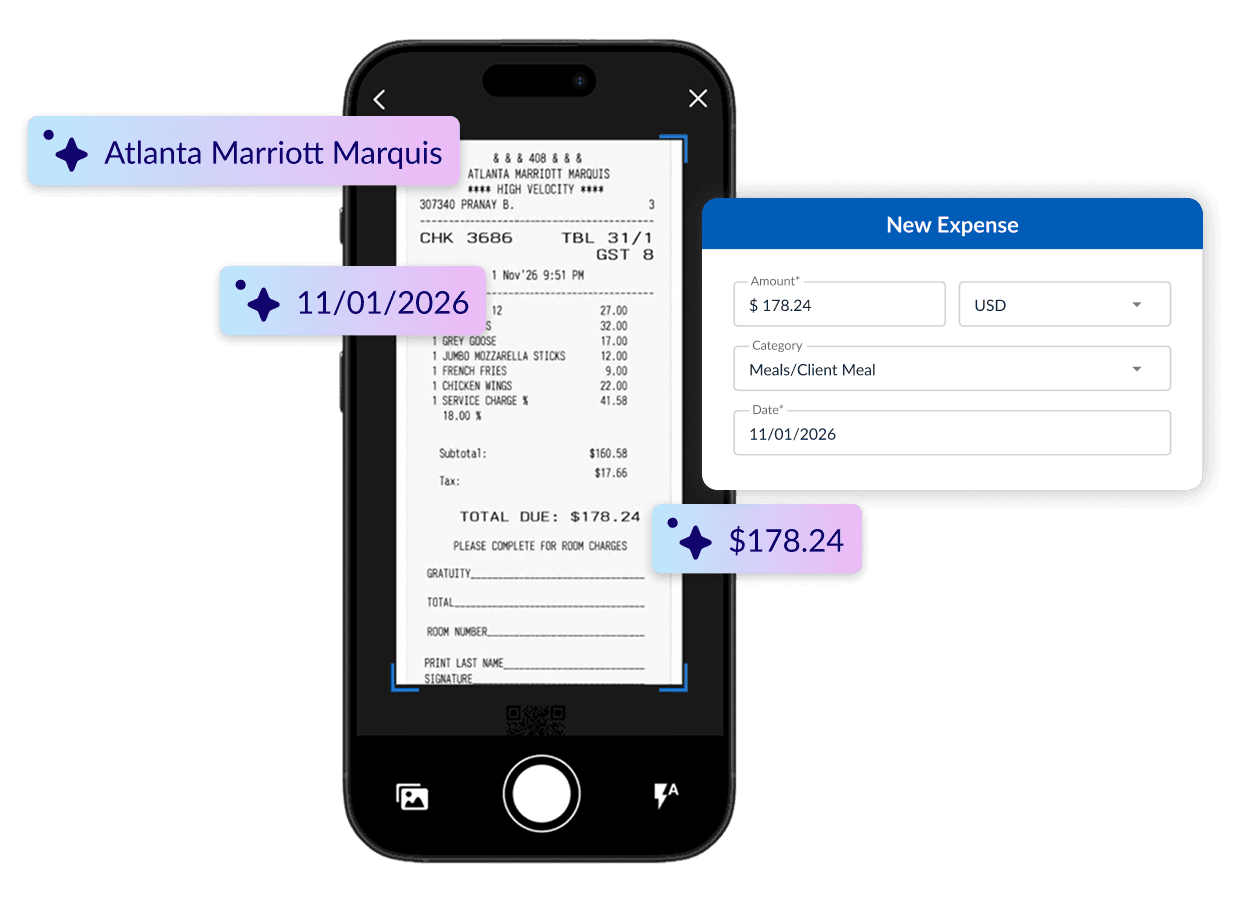
Reduce back-and-forth and speed up approvals by automatically applying policy rules and prompting employees to resolve issues before submitting expenses for approval.
Manage approvals, payments, and accounting together
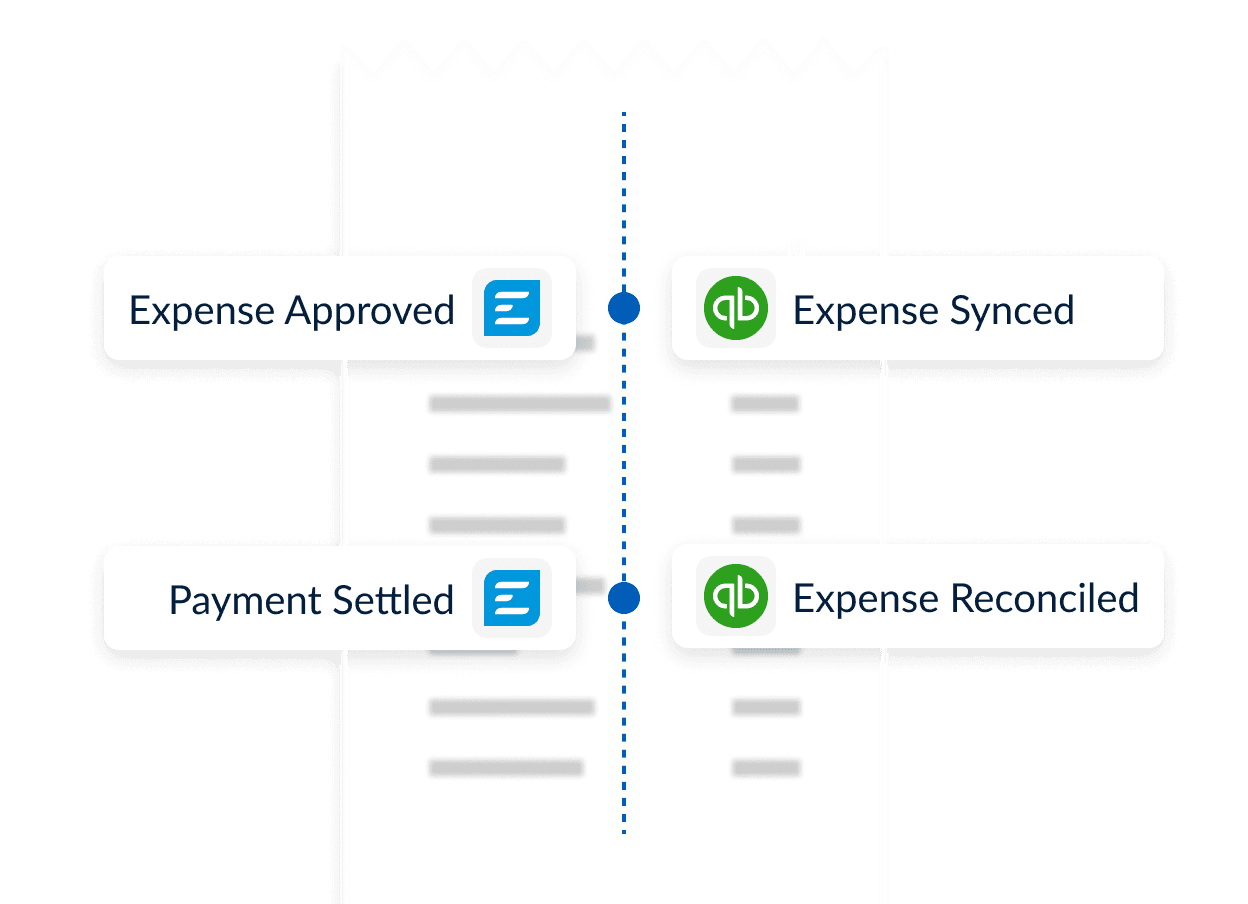
Approve expenses, trigger ACH payments to employees, and sync completed expense data to your accounting system so finance can track each reimbursement through settlement and reconciliation without relying on separate spreadsheets or manual handoffs.
Pay employees back faster without adding work for finance
Move out-of-pocket expenses from submission to approval, reimbursement, and accounting in one connected workflow.
Frequently asked questions
Employees submit out-of-pocket expenses with the required receipt and business details, while Emburse Spend applies your company’s policies and approval rules. Once an expense receives final approval, it is included in your company’s configured payout schedule and reimbursed directly to the employee’s connected bank account via ACH.
Emburse Spend also keeps a record of the reimbursement and makes the completed expense data available for your accounting workflow through supported accounting integrations or export options.
Companies can choose nightly, weekly, semi-monthly, or monthly payout schedules. Once a payout begins, ACH delivery generally takes 2-6 business days to settle. This may vary by bank and account status.
Yes. Employees and administrators can view reimbursement status in Emburse Spend, including payments that are awaiting processing, in progress, completed, or failed.
No. Emburse Spend processes eligible reimbursements through ACH to the employee’s connected bank account, separate from the company’s payroll cycle. If you would like for payouts to be nightly, weekly, semi-monthly, or monthly, you can adjust the schedule.
Emburse Spend supports direct integrations with systems including QuickBooks Desktop, Quickbooks Online, Xero, NetSuite, and Sage Intacct.
For other accounting workflows, you can use custom CSV exports or automate file delivery via SFTP. Availability depends on the selected plan.
The organization must complete the required business verification, connect an approved company bank account, and enable reimbursement processing. Employees must also connect an eligible personal bank account to receive ACH payments.