Emburse Spend Mobile App
Expenses and cards, managed from your phone
Snap or upload receipts, complete expenses, approve employee spending, and manage company cards wherever work happens.
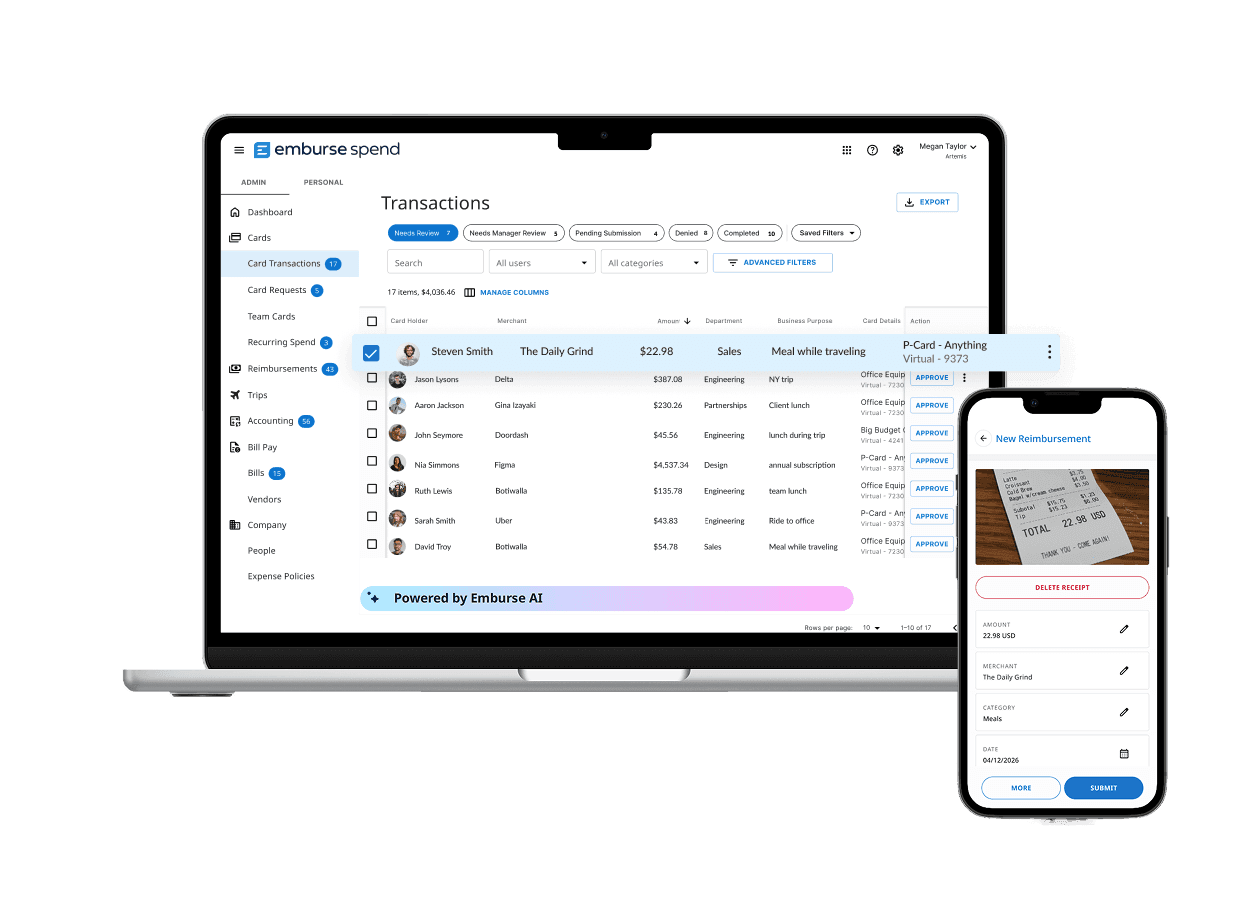
Built for employees who are on the go
Capture
Snap a photo or forward a receipt. Emburse AI extracts key details and matches the receipt to the right transaction, and stores it securely for easy access.
Complete
Categorize the expense, select the right project or department, and add required details directly from your phone.
Submit
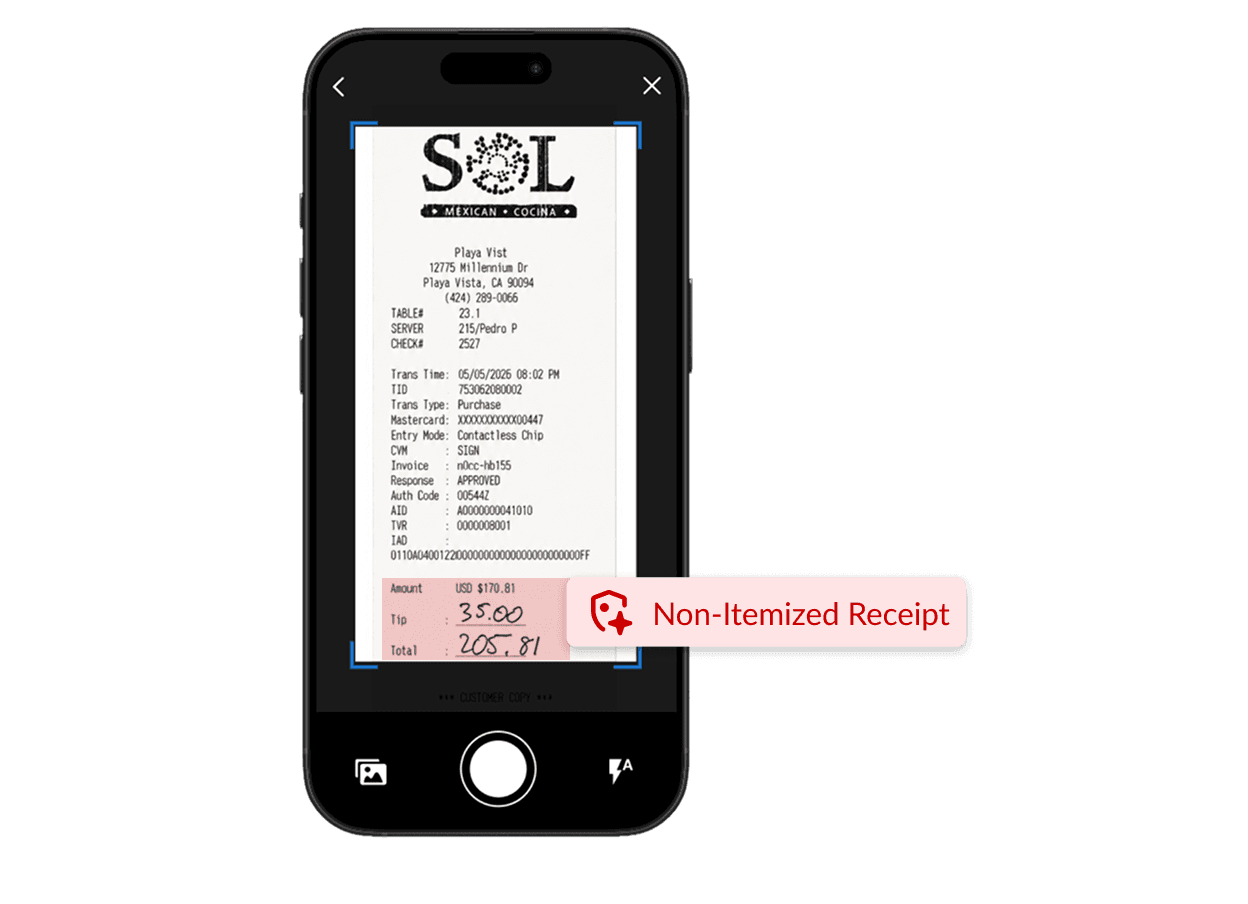
Real-time policy guidance helps employees correct missing information or incorrect receipts before it becomes extra work for finance.
The right policy guidance at the right moment
Emburse Spend alerts employees to missing receipts, required details, and potential policy issues before submission. Managers can review and approve expenses from their phones, reducing corrections and approval delays.
Less receipt chasing. More timely visibility.
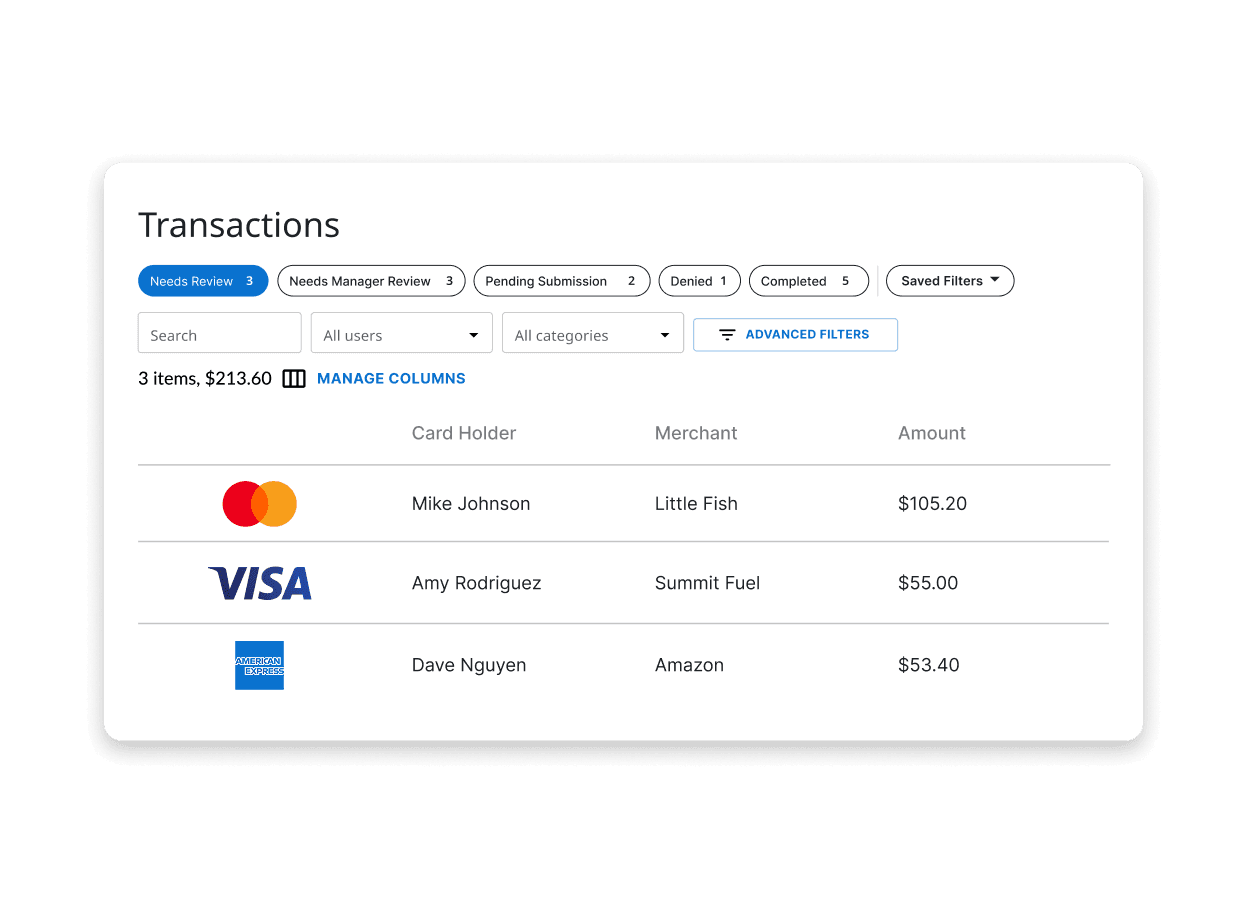
Employees document expenses as they happen, and managers approve them from anywhere. Finance gets receipts, coding, and business context sooner—without chasing employees or waiting for expense reports.
Manage cards from anywhere
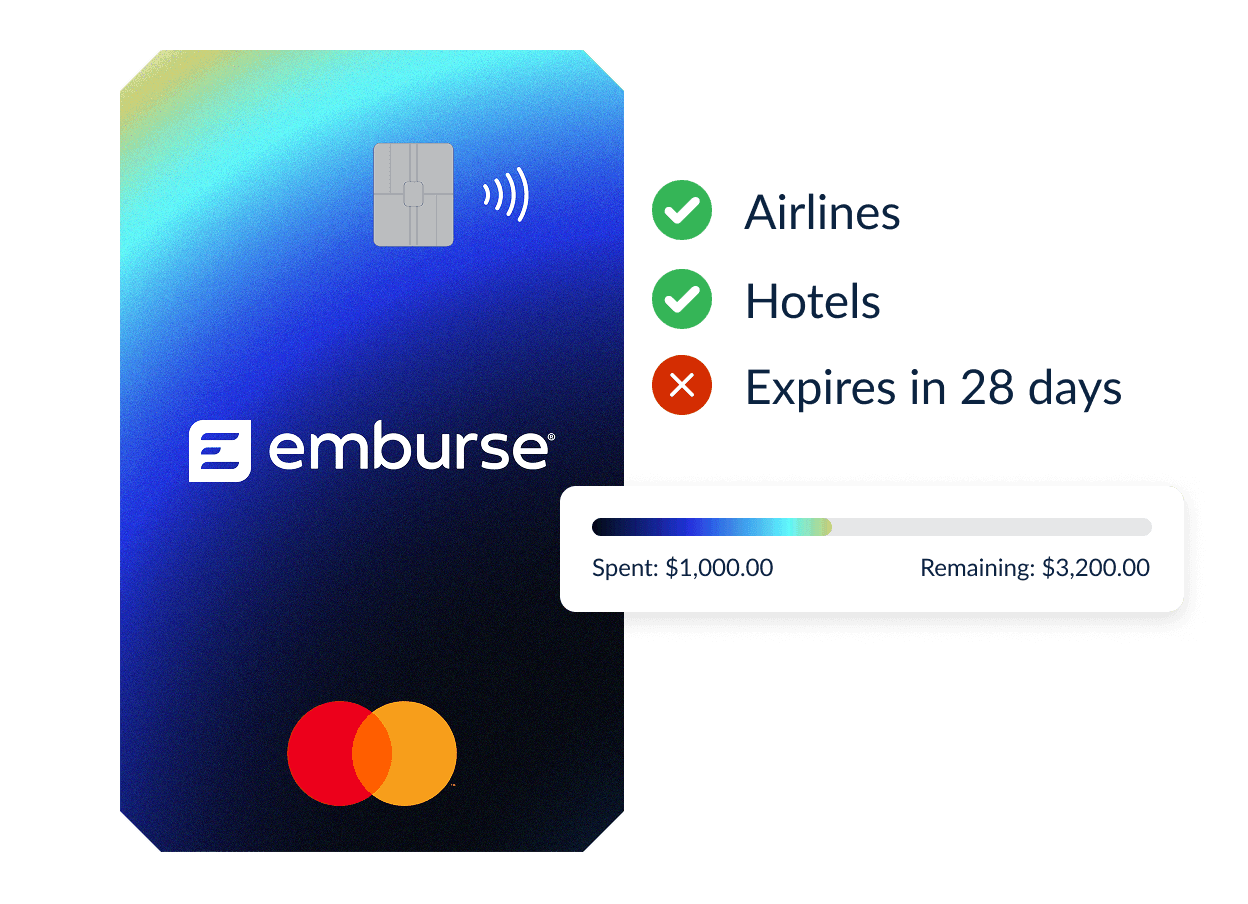
Create and manage physical or virtual cards from the mobile app. Stay on top of card activity and support employee spending wherever business takes them.
Capture the receipt. Let Emburse AI handle the details.
Let Emburse AI extract the data, match the transaction, and keep every receipt organized.
Frequently asked questions
Emburse Spend supports JPG, PNG, and PDF receipt files. Receipt images can be uploaded via the Desktop app, captured through the iOS or Android app or forwarded by email.
Emburse AI can extract available receipt details such as the merchant name, transaction date, and amount. Employees can review the populated information and complete any additional fields required by company policy.
Yes. Emburse Spend uses receipt and transaction data to identify potential matches and attach receipts to corresponding corporate card transactions when a match is available.
Yes. Administrators can configure expense policies that flag missing documentation or block submission when a required receipt has not been attached.